

Explore adjustable laptop stands and standing desks for small rooms and home offices. Learn how to create an ergonomic work setup easily
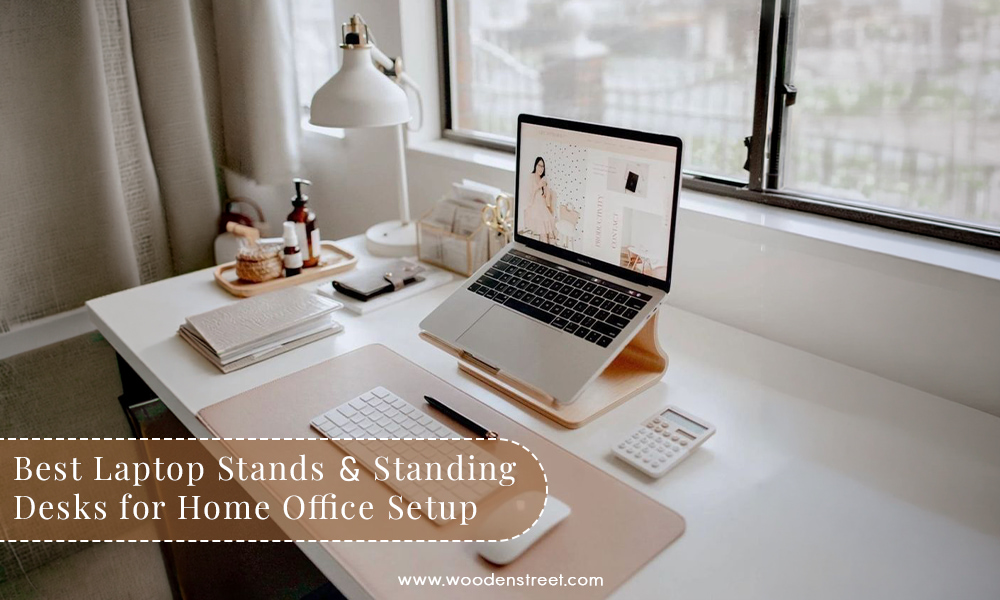
Let's be honest! That neck pain you've been carrying since last Monday? That eye strain that shows up every evening around 5 PM? You've been blaming your posture, your chair, or maybe even the screen brightness. But the real problem is actually sitting right in front of you and your desk setup. And more specifically, the fact that your laptop is sitting flat on your table while your neck is bent at an angle that no physiotherapist would ever approve of.
In Indian homes, the WFH setup is usually something like this: a dining table that doubles as a workstation, a laptop placed directly on the surface, a plastic chair pulled in for the day, and a back that quietly suffers through all of it. Sound familiar? If yes, then this blog is going to walk you through everything about laptop standing setups, right from the stand of laptop basics to full-on height adjustable laptop table options so that before you finalize anything, you know exactly what you need, what you don't, and how much it's actually going to cost you. Let's get started.
So many people end up buying the wrong thing simply because nobody explained the difference clearly before they finalized the purchase. So let's sort this out right here, right now.
|
Laptop Stand / Riser |
Standing Desk |
|
|
What it is |
Raises your existing laptop on your current desk, that's it, simple and sorted |
Replaces or sits on top of your existing desk and gives you a full working surface at the right height |
|
Best for |
People with budget-friendly or small-sized setups who just need the screen height sorted |
A proper dedicated home office where you have the room and budget for a full desk setup |
|
Price range |
₹800 - ₹5,000, which means even a basic stand of laptop is going to be easy on the pocket |
₹8,000 - ₹40,000+, so it is important to think it through before you finalize this one |
|
Portability |
Very portable as you can carry an adjustable laptop stand from your bedroom desk to the dining table without any fuss |
Mostly fixed or semi-fixed, so once it's placed, it stays there |
And here is the most important thing to keep in mind before you finalize: a laptop standing setup with a stand solves the screen height problem. A standing desk solves both the screen height and the keyboard position problem. So if you use an external keyboard anyway, a good raisable laptop stand is honestly enough for most WFH setups.
Not all stands of laptop are built the same way. And before you finalize, it is important to know which type is actually going to work for your daily setup.
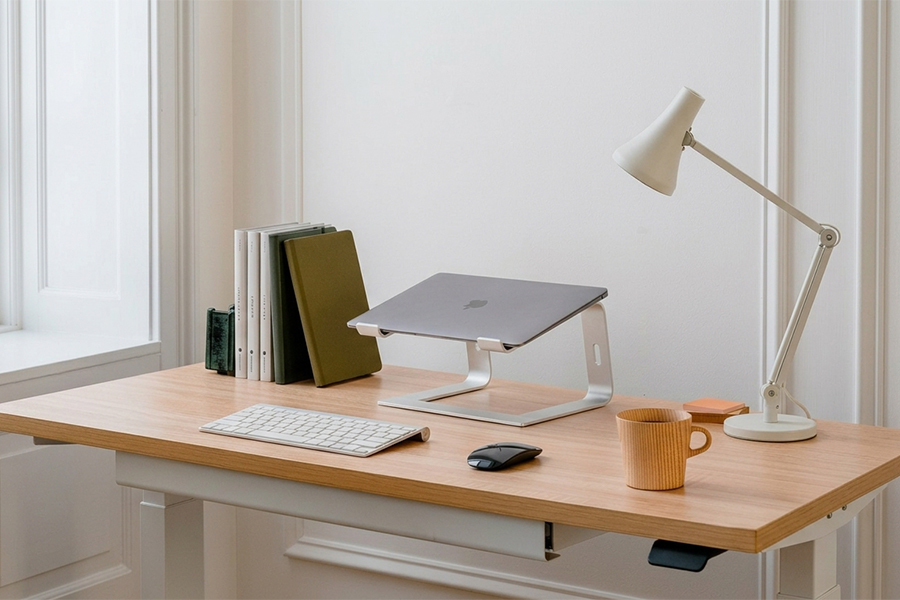
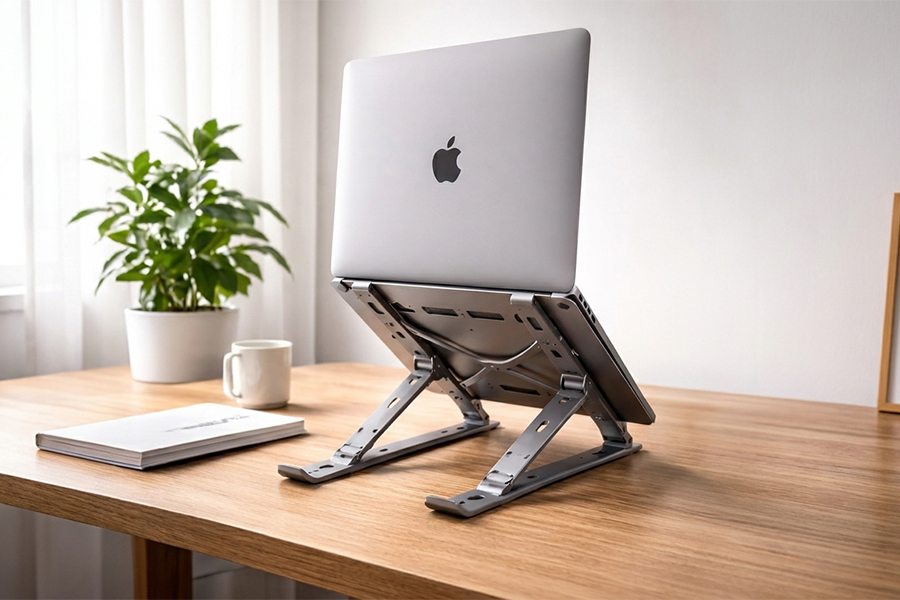
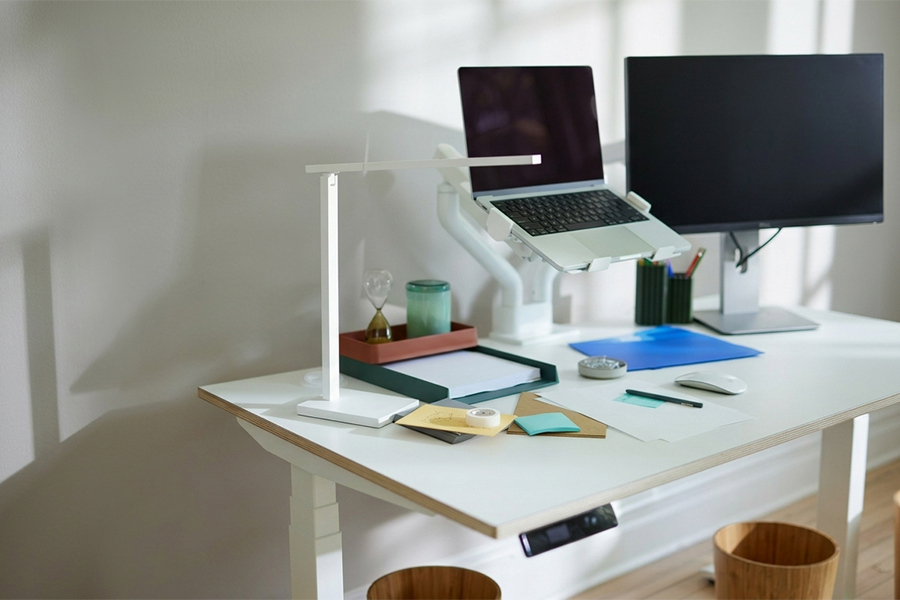
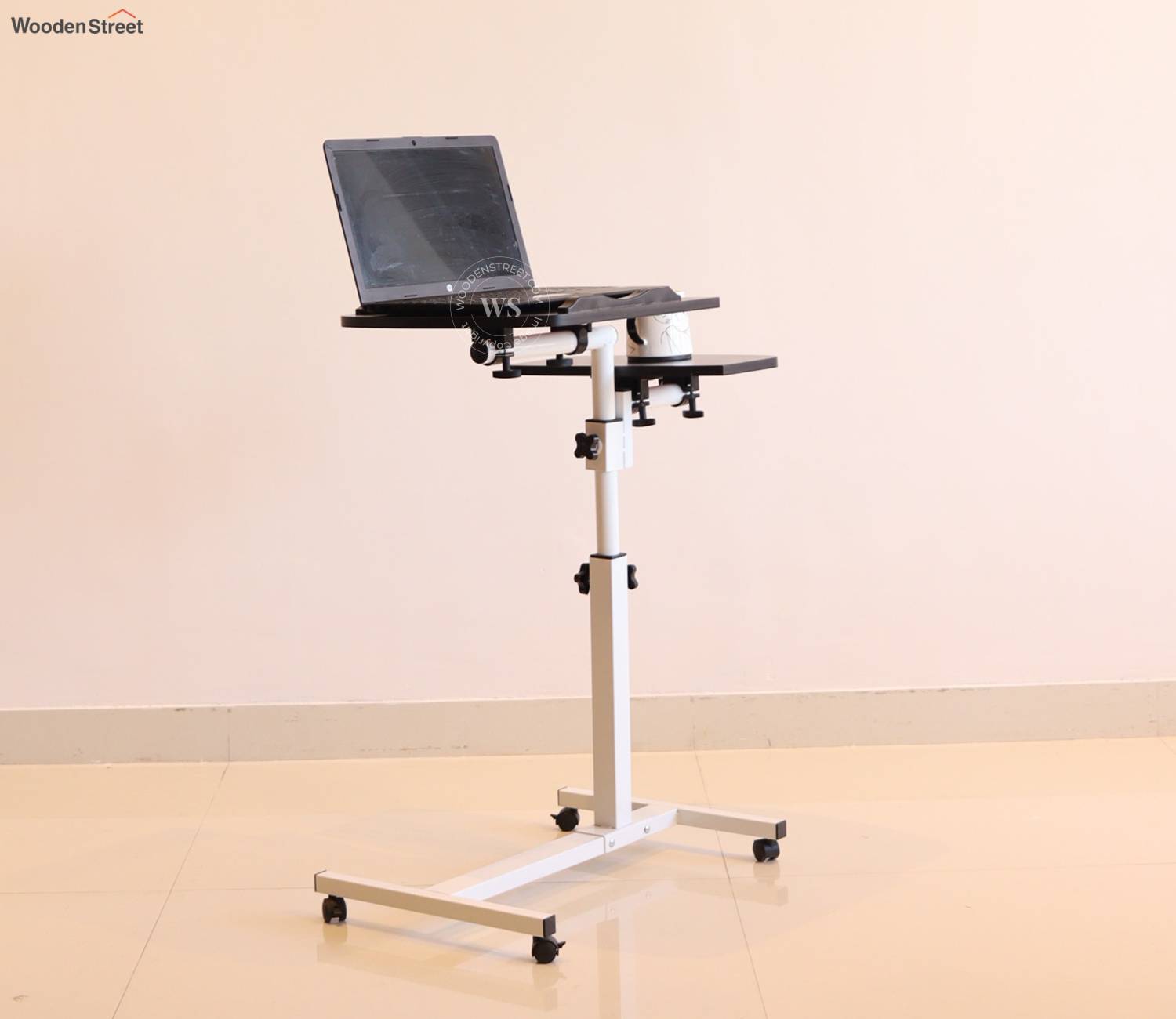
If a stand of laptop alone doesn't feel enough for your setup, or if you are setting up a proper home office, then here are the standing desk options that are actually worth looking at.
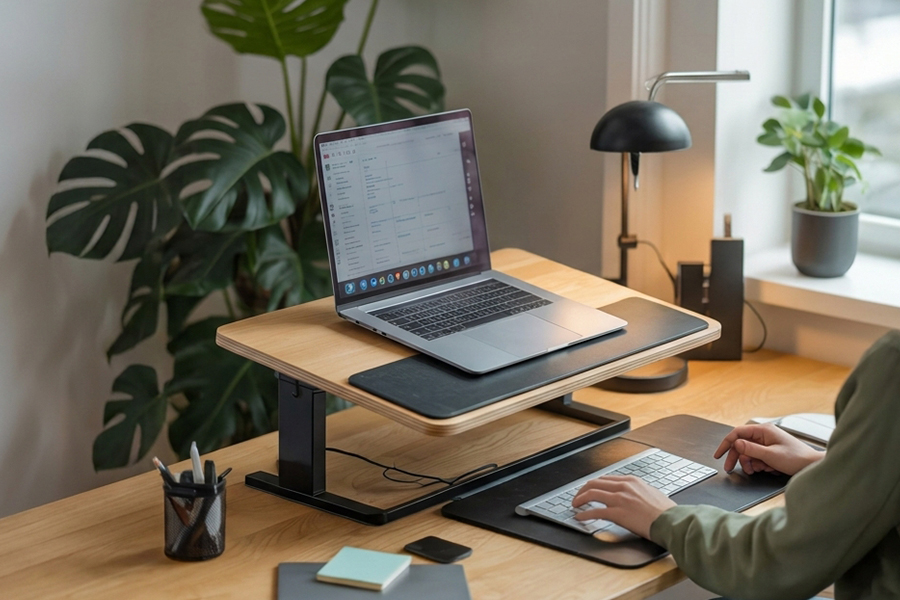
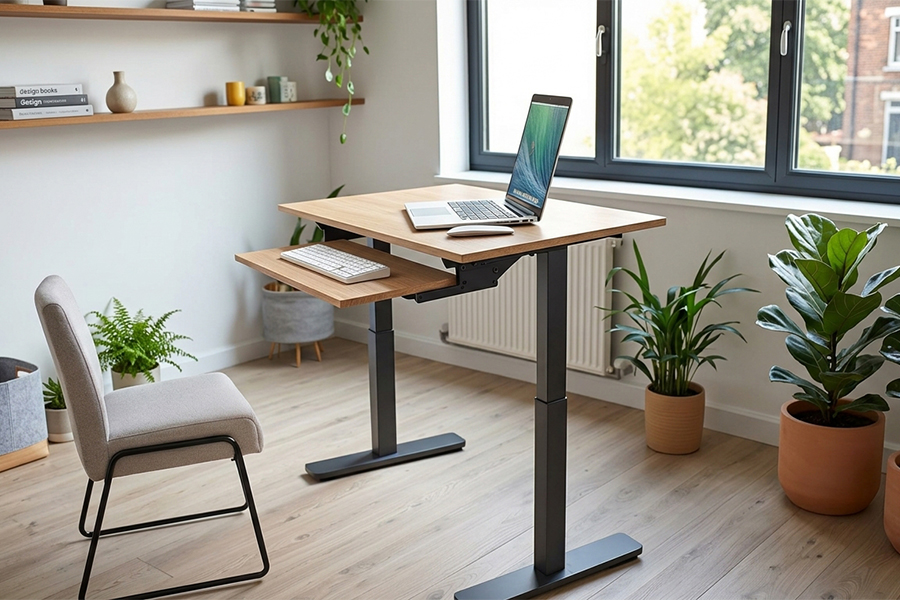
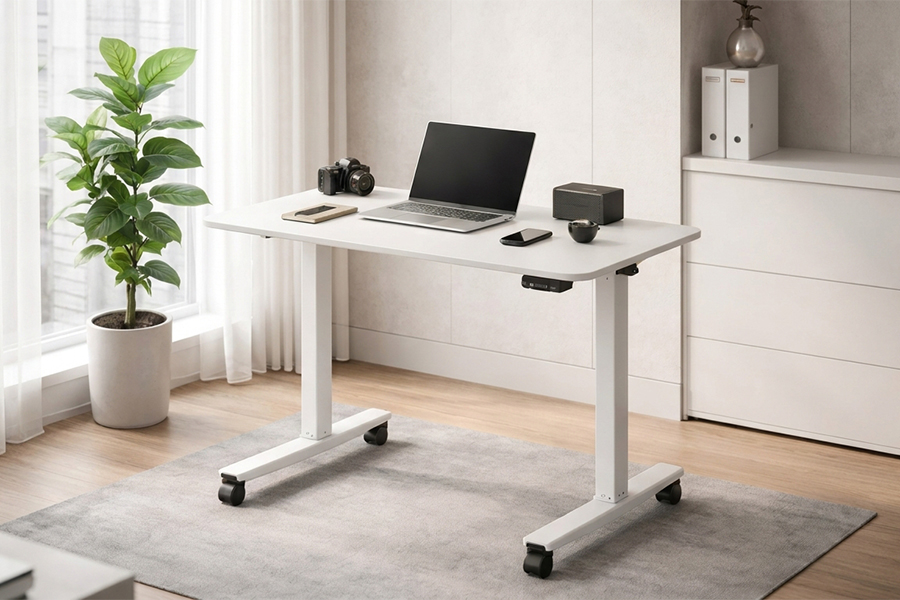
And here's one practical tip for Indian homes: a solid Wooden Street study table paired with a good quality desk converter is a very smart middle-ground option. You get the full standing desk look and function at a fraction of the cost of buying a full electric setup.
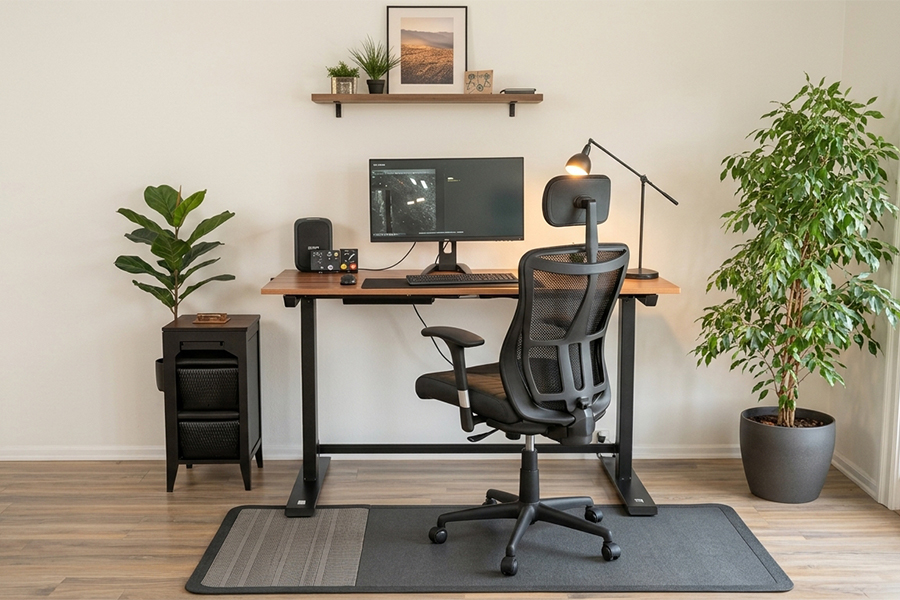
Most blogs talk about "sit up straight" and leave it at that. But that's not enough. Here are the actual numbers that are going to make your laptop standing or sitting setup genuinely comfortable:
|
Position |
What to Aim For |
|
Screen height while sitting |
Top of the screen should be at or just below your eye level, so that if you are looking down even a little, the stand of laptop needs to go higher |
|
Screen height while standing |
The same rule applies here as well! Top of screen at eye level; don't compromise on this one |
|
Screen distance from eyes |
Keep it between 50-70 cm and not too close that it strains the eyes, not so far that you start squinting |
|
Keyboard height while sitting |
Elbows should be at 90 degrees and shoulders should be fully relaxed. If your shoulders are slightly raised, the height adjustable laptop table or desk is too high |
|
Keyboard height while standing |
The same elbow rule applies here too, i.e., 90 degrees, relaxed shoulders, no hunching |
|
How long to stand at a stretch |
Maximum 30-45 minutes at a time, and after that, sit down and switch back; alternating is the whole point of a laptop stand for standing at desk setup |
And here is one tip that almost nobody talks about: an anti-fatigue mat is more important than the desk itself when it comes to standing comfort. Hard marble or tile floors are the most common floor types Indian homes have, which make standing desks unusable within 20 minutes. So before you finalize the desk, sort out the mat too.
Before you finalize any raisable laptop stand or standing desk, run through this checklist. It is important and is going to save you from a wrong purchase:
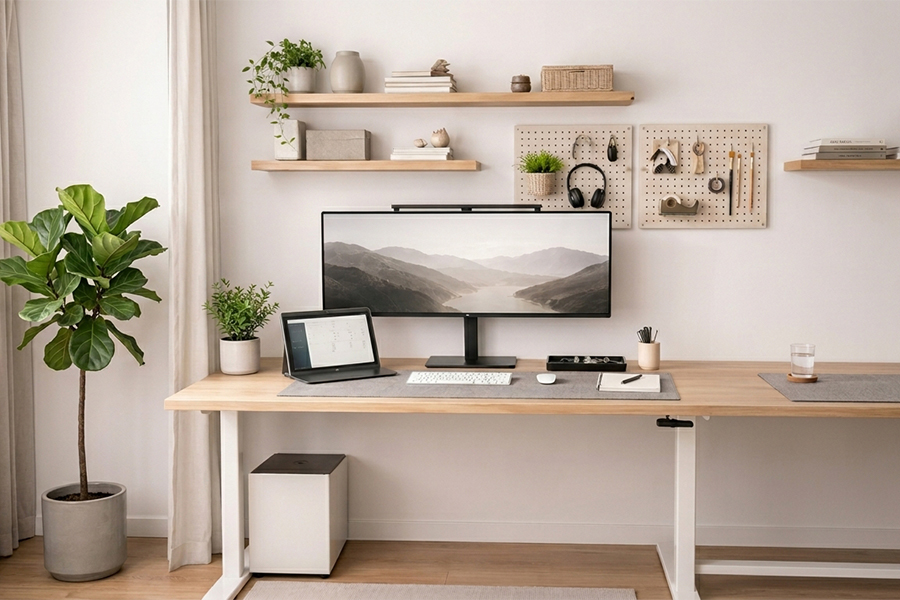
A raisable laptop stand or a collapsible laptop table alone is going to sort the screen height. But for the full setup to actually be comfortable through a long WFH day, the rest of the pieces matter too:
This is honestly non-negotiable the moment your laptop goes up on a stand of laptop. Typing on a raised laptop keyboard causes worse posture than having no stand at all, so an external keyboard is part of the plan from day one
Position it to the left if you are right-handed, so it eliminates screen glare without creating shadows on your keyboard; this small detail is going to make evening work sessions much more comfortable
Keeps your desk surface clear and the whole setup looking sorted and usable day after day; without this, the cables are going to take over the desk within a week
This is where everything comes together. A study table with a depth of at least 60 cm gives you room for the adjustable laptop stand, the keyboard, and a wrist rest without the whole surface feeling jam-packed and hard to use. Wooden Street's study table and office desk collection has options that are built for exactly this kind of daily WFH use with solid wood, good depth, and sizes that go really well with both laptop stands and desk converters
So, summing up this blog, all we have to say is that that whether you go with a simple collapsible laptop table to sort out your screen height or decide to invest in a full height adjustable laptop table setup, the whole point is the same, i.e., your body should not be paying the price for a wrong setup. That neck pain, that eye strain, that 6 PM tiredness that hits you every single day and these are all going to feel a lot better with the right laptop standing arrangement in place.
And the most interesting part about it is that you don't have to spend a lot to fix it. Even a good adjustable laptop stand from the ₹1,500-₹3,000 range paired with an external keyboard is going to change how your WFH day feels completely. Start there, see the difference, and then decide if you want to go further with a full desk setup. Because once your setup actually works for your body, work is going to feel a lot less tiring, and that is surely going to make a difference.
We will be back with the next blog soon. Till then, stay tuned!
Image Source: Pinterest, Google, and Wooden Street
Read More:
3 Inspiring Folding Study Table Stories for Students
A Yes, in most cases a good raisable laptop stand paired with an external keyboard and mouse is enough for a comfortable home office setup. The stand of laptop sorts out the screen height, and the external keyboard keeps your arms and shoulders in the right position. If you are working 8–10 hours daily, you can also add a desk converter later for the full laptop standing experience.
A The top of your screen should be at or just below eye level when you are sitting or standing. Before you finalize any adjustable laptop stand, sit at your desk in your normal working posture and measure the distance from the desk surface to your eye level, that is the height your stand of laptop needs to reach.
A A standing desk is a full replacement for your regular desk, built or adjustable to standing height. A desk converter sits on top of your existing desk and raises the work surface when needed. For most Indian home setups, a desk converter is a much more practical and budget-friendly way to get into the laptop stand for standing at desk experience without replacing the full desk.
A If you are someone who works long hours daily and wants to genuinely switch between sitting and standing multiple times throughout the day, then yes, an electric height adjustable laptop table or desk is worth the investment. But if you are just starting out, a good collapsible laptop table or desk converter paired with a solid study table is going to give you most of the benefit at a much smaller cost.
A Yes, a height adjustable laptop table or electric standing desk works really well for gaming too. The same ergonomic rules: apply screen at eye level, keyboard at elbow height, and don't stand for more than 30–45 minutes at a stretch. An anti-fatigue mat is going to be especially important here because gaming sessions tend to run longer than work sessions.
A For a small-sized room, a collapsible laptop table or a compact adjustable laptop stand paired with a foldable or wall-mounted study table from Wooden Street is going to work the best. The key is to keep the floor area clear and go vertical with storage so the room doesn't feel jam-packed. A desk converter on an existing study table is also a very smart option for small rooms where replacing the full desk is not practical.
Trending Products
Top Picks from EveryoneArticles you will love to read
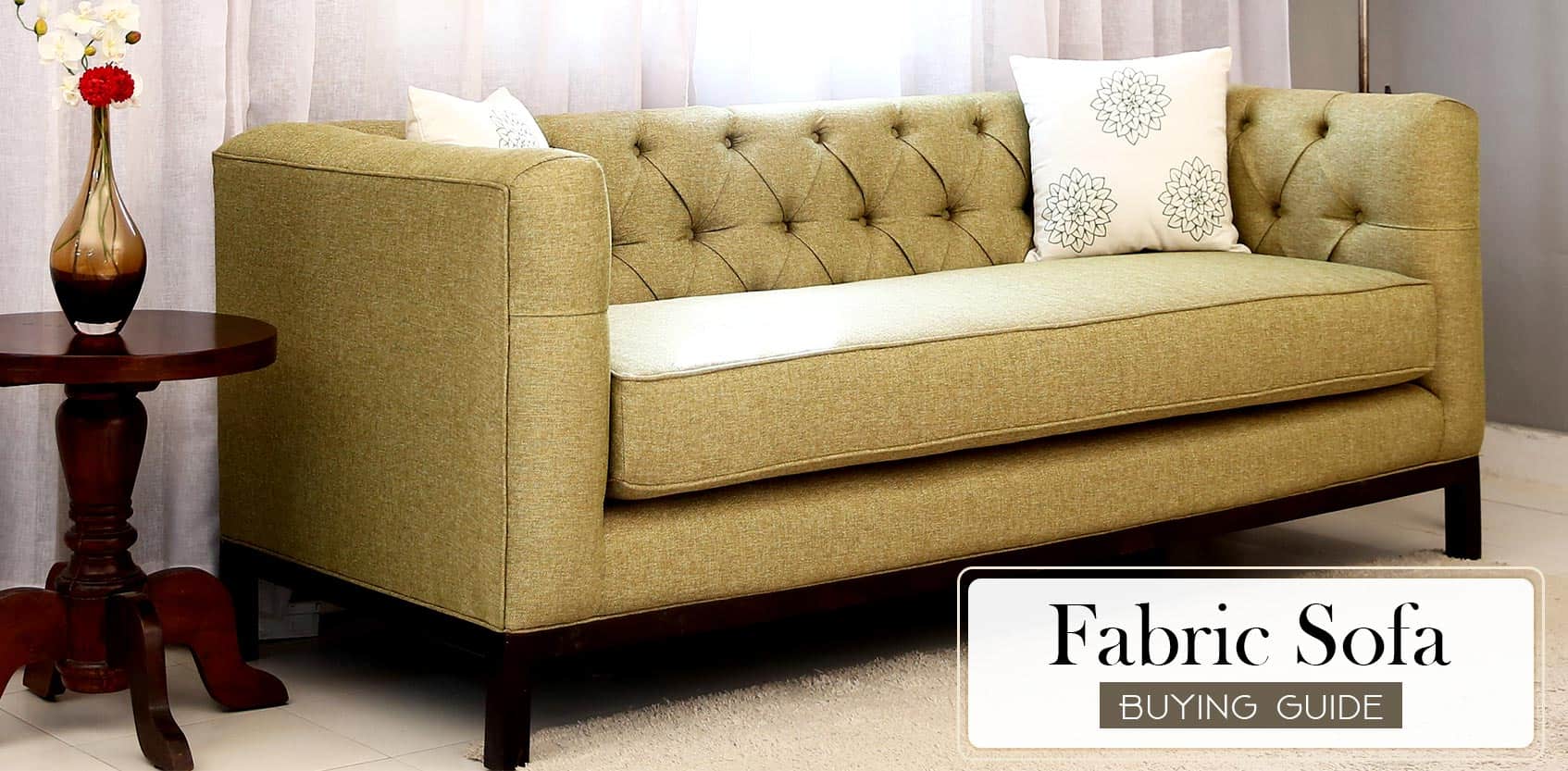
With lots of options, there is a lot to consider when it comes to buying this most integral part of your home. Wooden Street is here to help you with this buying guide on fabric sofas, so you can narrow down the options and buy a great sofa for you.
Continue Reading
Wooden Street brings this wardrobe buying guide that will tell you everything you need to know about the wardrobes, from choosing right type to right material and other things that needed to be considered.
Continue Reading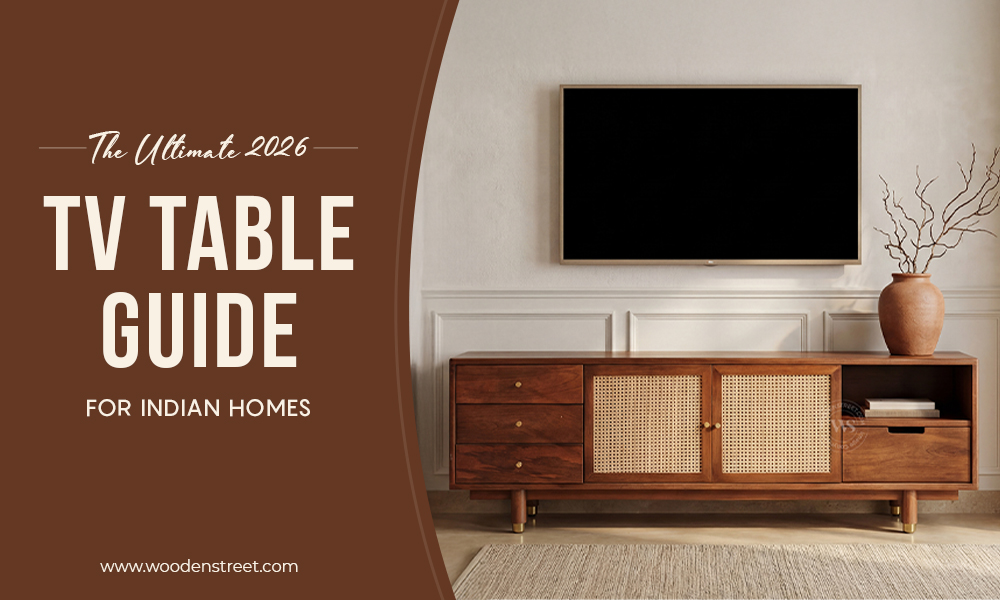
Discover the ultimate guide to choosing the perfect TV table for Indian homes in 2026. From modern TV table stand designs and wall mount TV stand ideas to television tables, TV showcase units, and TV cupboard styles, explore functional and stylish television tables and stands for every living room.
Continue Reading
A home that is short on space can’t be cramped with your styles and needs. We understand that choosing the right furniture for small spaces is crucial, and that’s why Wooden Street brings this guide that can help you make the most of the tight spaces
Continue Reading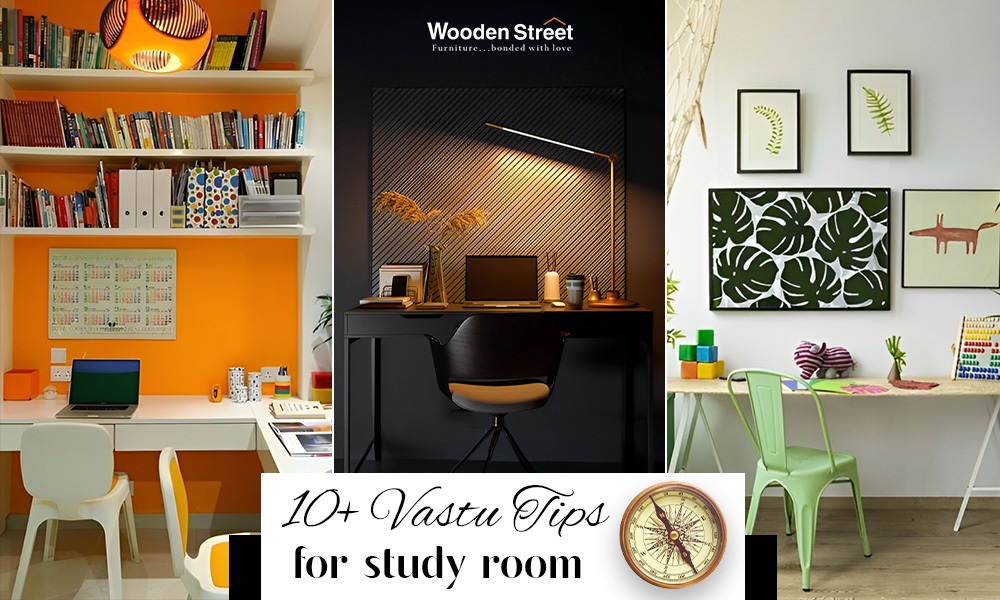
The best study room as per Vastu should face the northeast or east to improve focus and positivity. Use light colours like yellow, green, or white, ensure good lighting, and keep the space clutter-free to enhance learning, calmness, and concentration.
Continue Reading