



A productive home office setup combines ergonomic furniture, proper lighting, smart storage, and a clutter-free layout. When designed thoughtfully, your workspace can improve focus, reduce fatigue, and boost overall efficiency while working from home.

Working from home is no longer a trend - it’s lifestyle. But productivity at home depends largely on how your workspace is designed. A well planned home office setup can improve focus, reduce fatigue, and make long work hours more comfortable.
The best home office setup combines ergonomic furniture, proper lighting, organized storage, and clutter-free layout. When these elements work together, your workspace become motivating, efficient, and distraction free.
Here are the most effective home office setup ideas to help you create a productive and inspiring workspace.
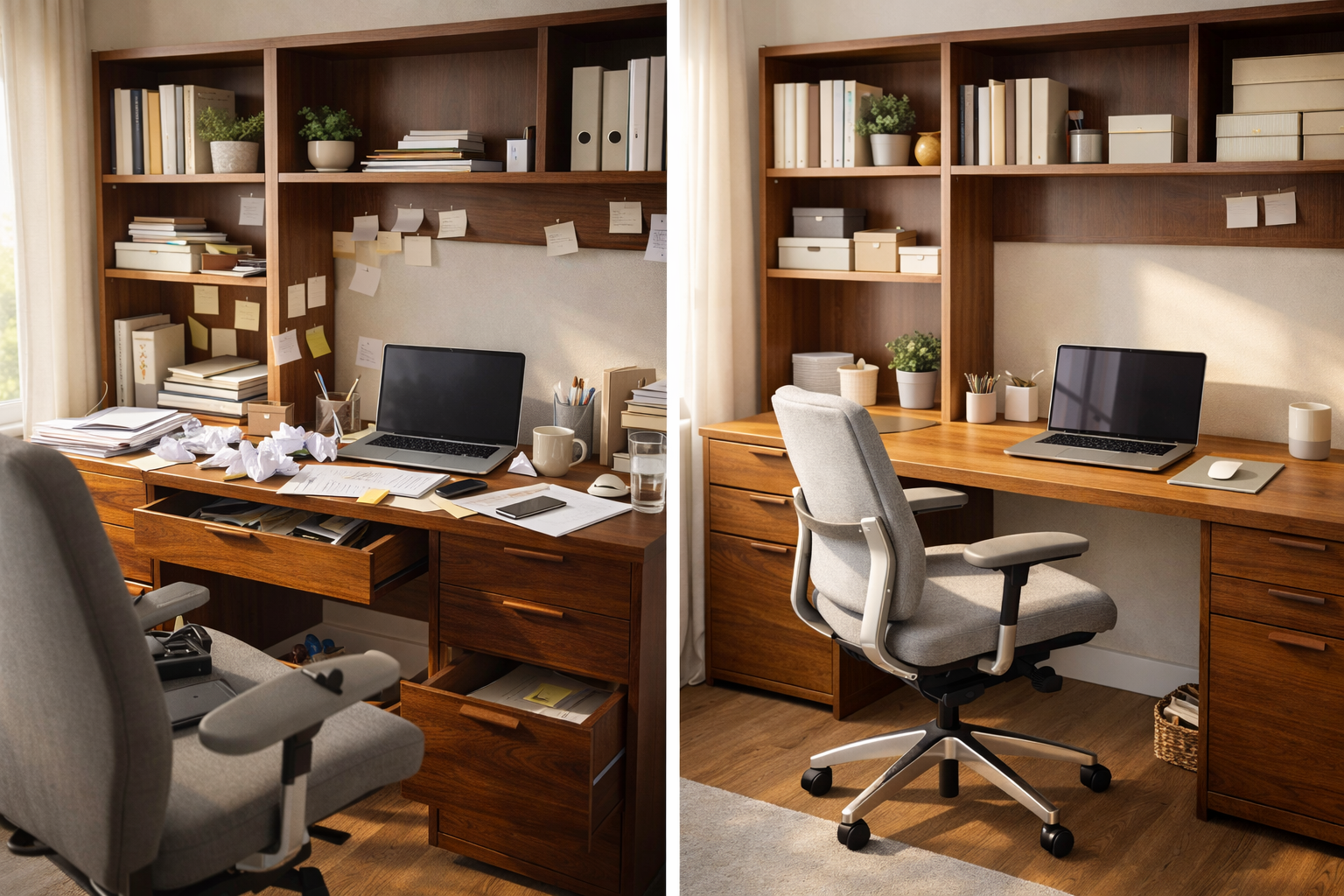
Your workspace directly affects your concentration, posture, and energy level. Poor seating, dim lighting, or cluttered desks can lead to:
On other hand, ergonomic and organized home office setup help you:
Investing in the right setup is not a luxury - it’s productivity tool.
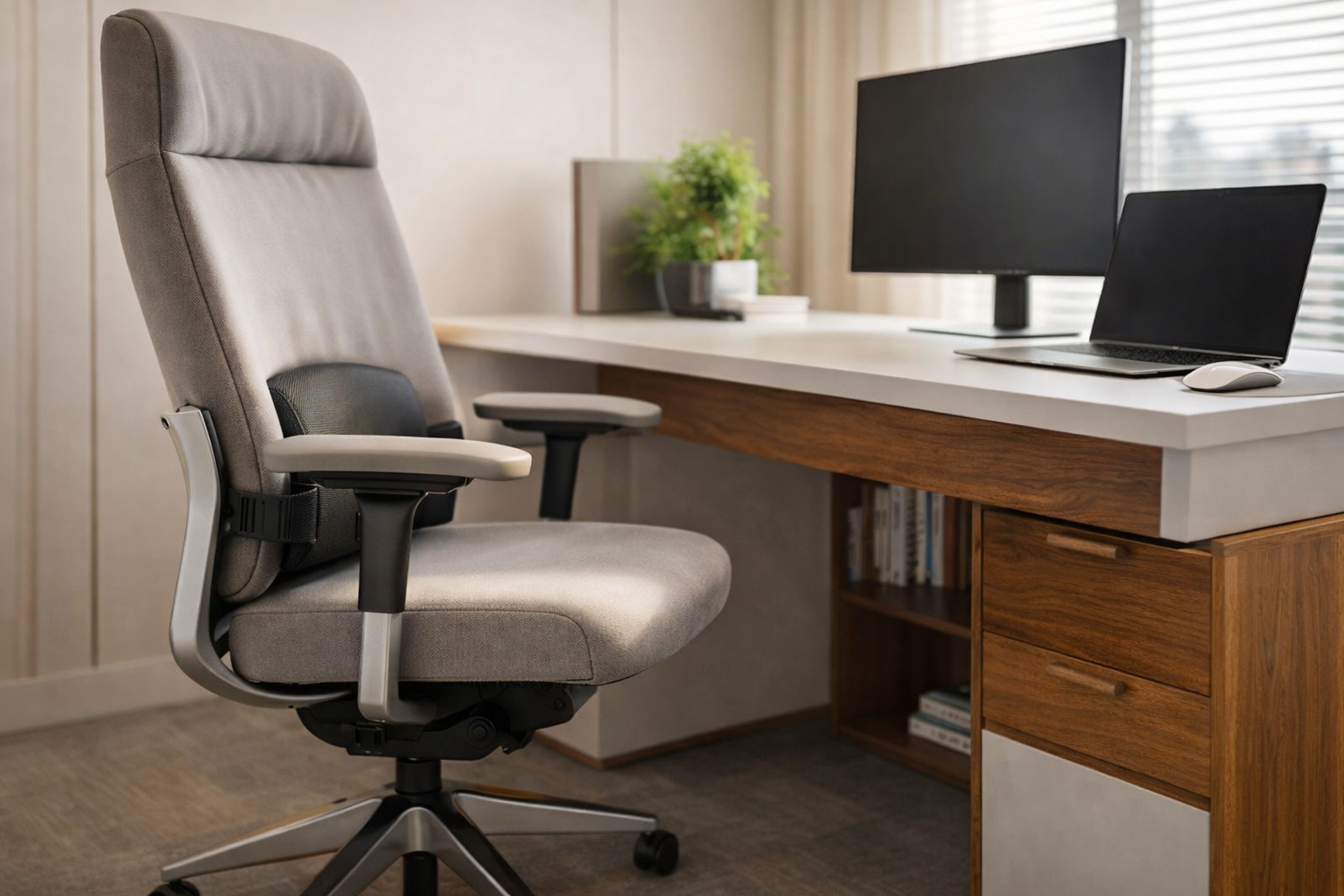
An ergonomic desk and chair are the foundation of productive home office.
Your screen should be at eye level, and your feet should rest flat on the floor. This reduces pressure on your back, shoulders, and neck.
Tip: If space is limited, opt for compact desk with built in drawers to maximize functionality.
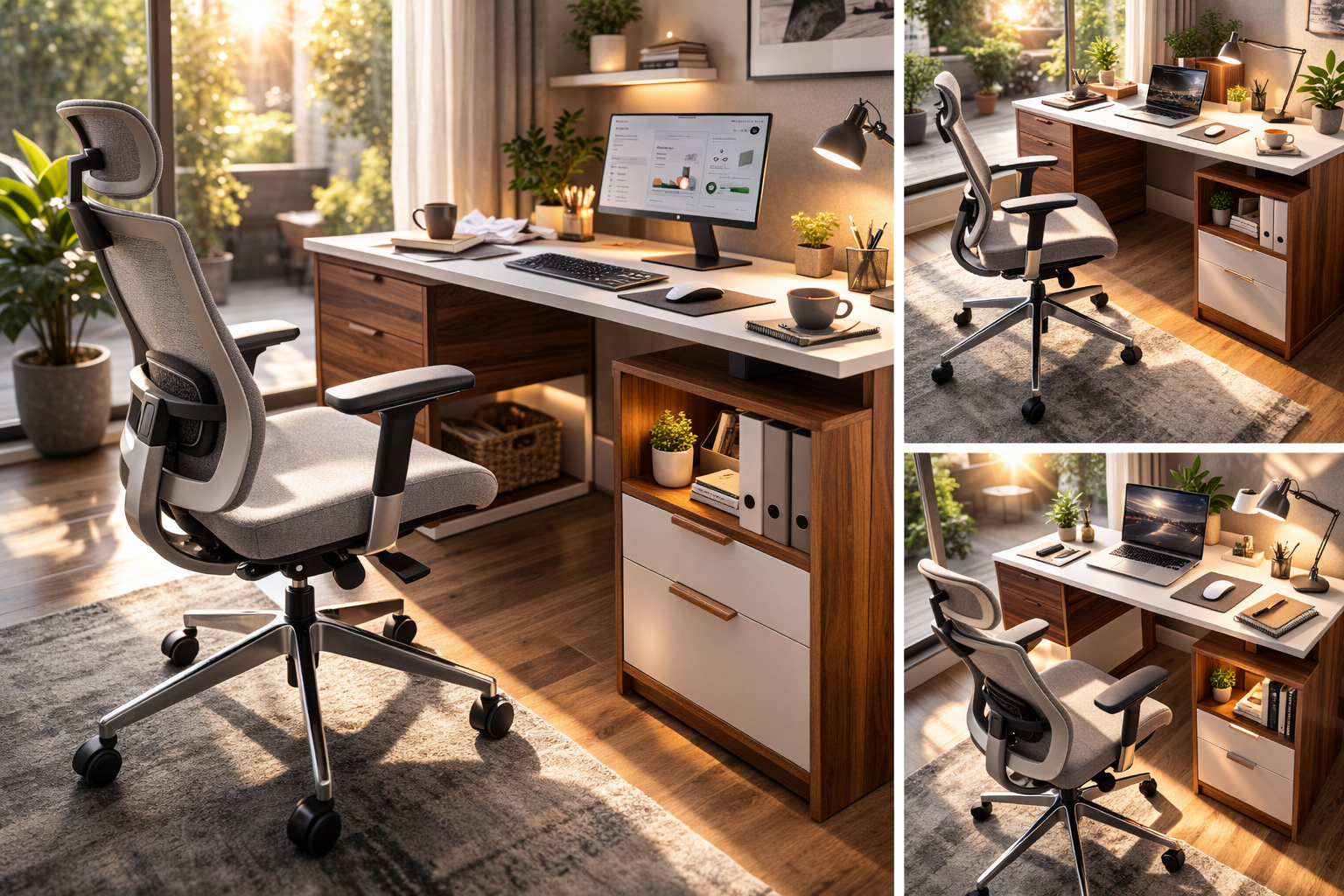
Lighting plays crucial role in productivity and mood.
Natural light boosts mood and alertness, while proper task lighting reduces eye strain during long work hours.
If possible, avoid sitting with bright window directly behind your screen - this causes glare and discomfort.
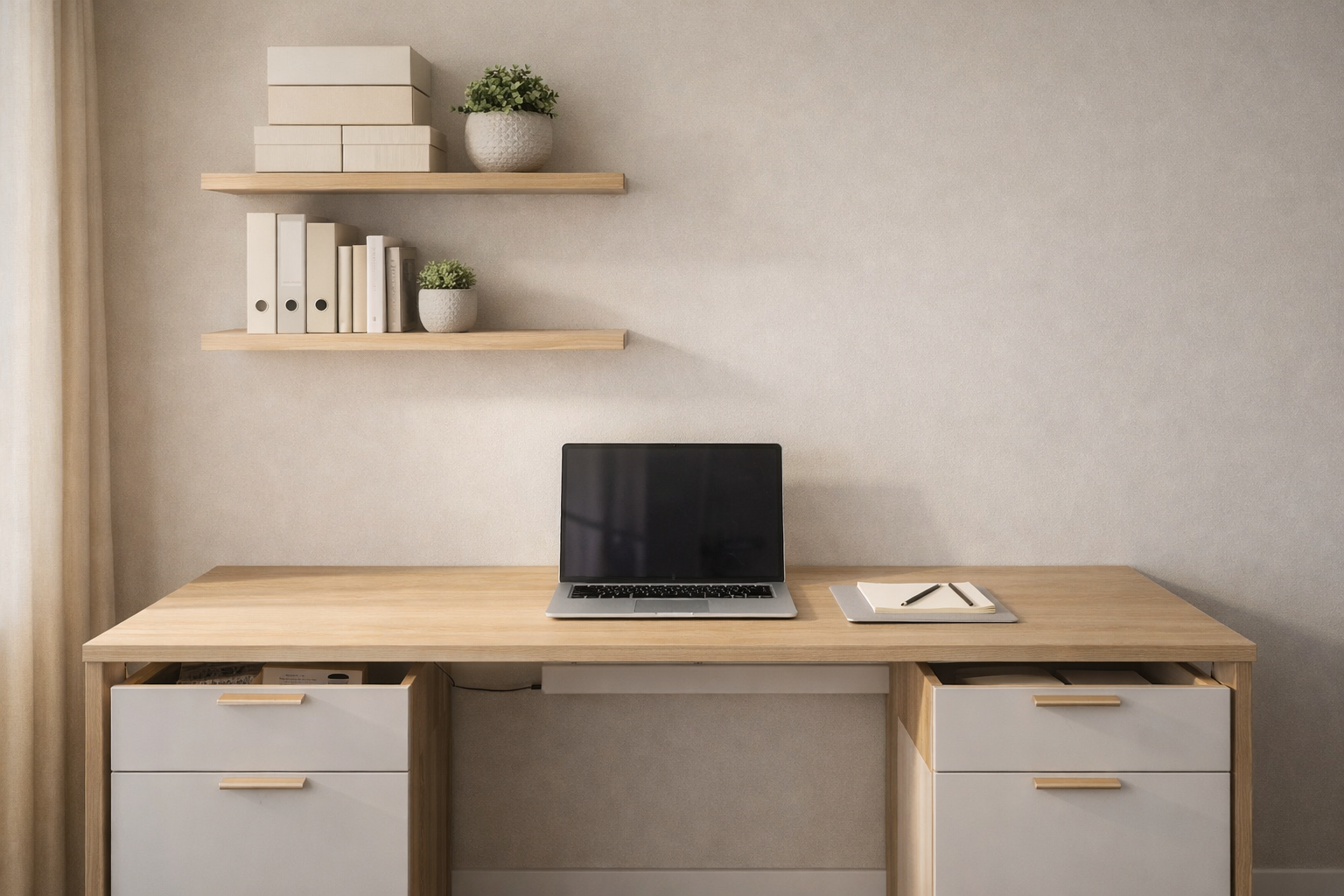
A cluttered desk equals to cluttered mind.
Decluttering your workspace helps reduce distractions and improves mental clarity.
Keep only essential items on your desk - laptop, notebook, and a few personal touches. Everything else should have a designated storage space.
Minimalism improves productivity.
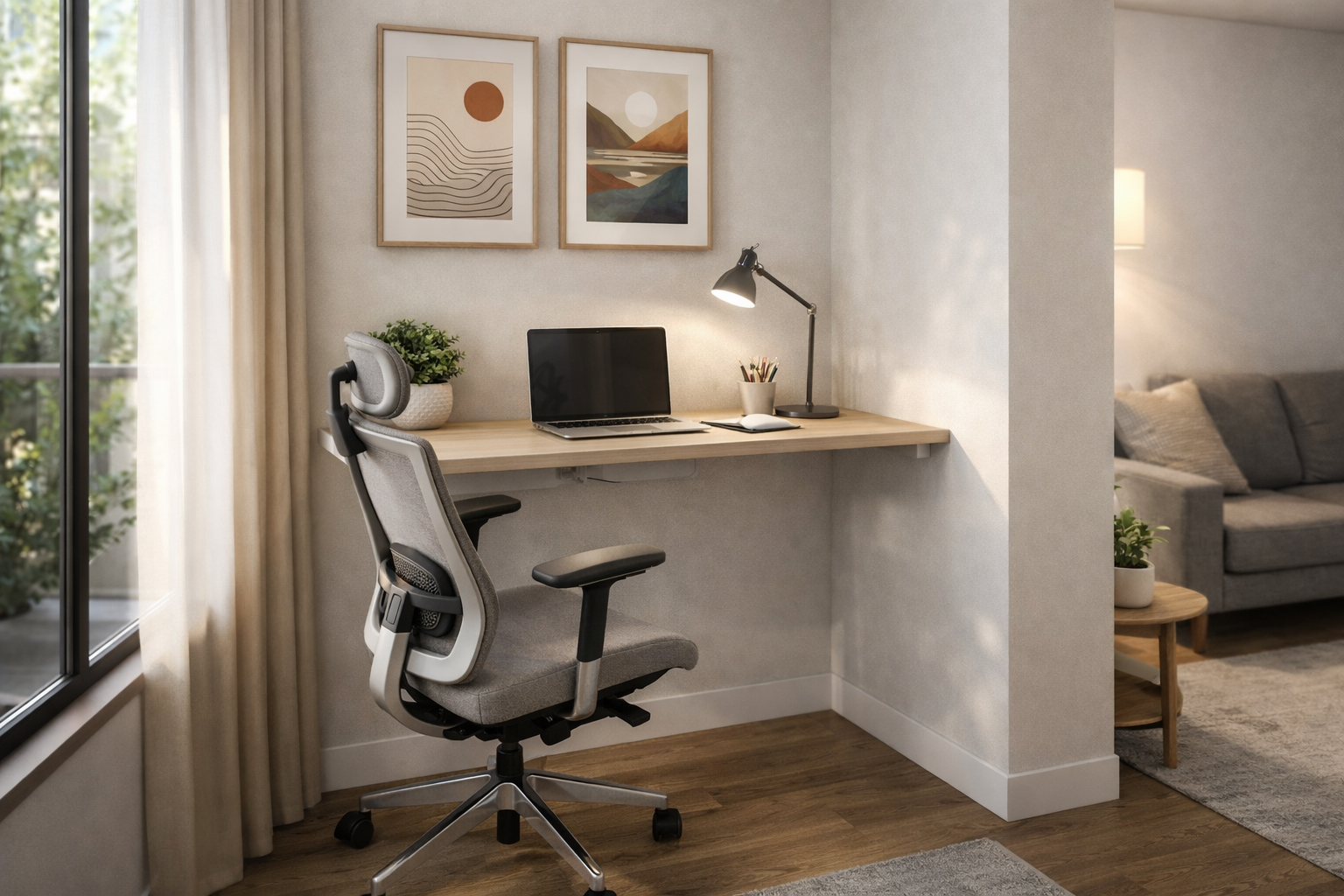
If you work from home full time, an avoid working from your bed or couch. A dedicated work area helps your brain separate “work mode” from “rest mode.”
Having defined office zone improves discipline and reduces procrastination.
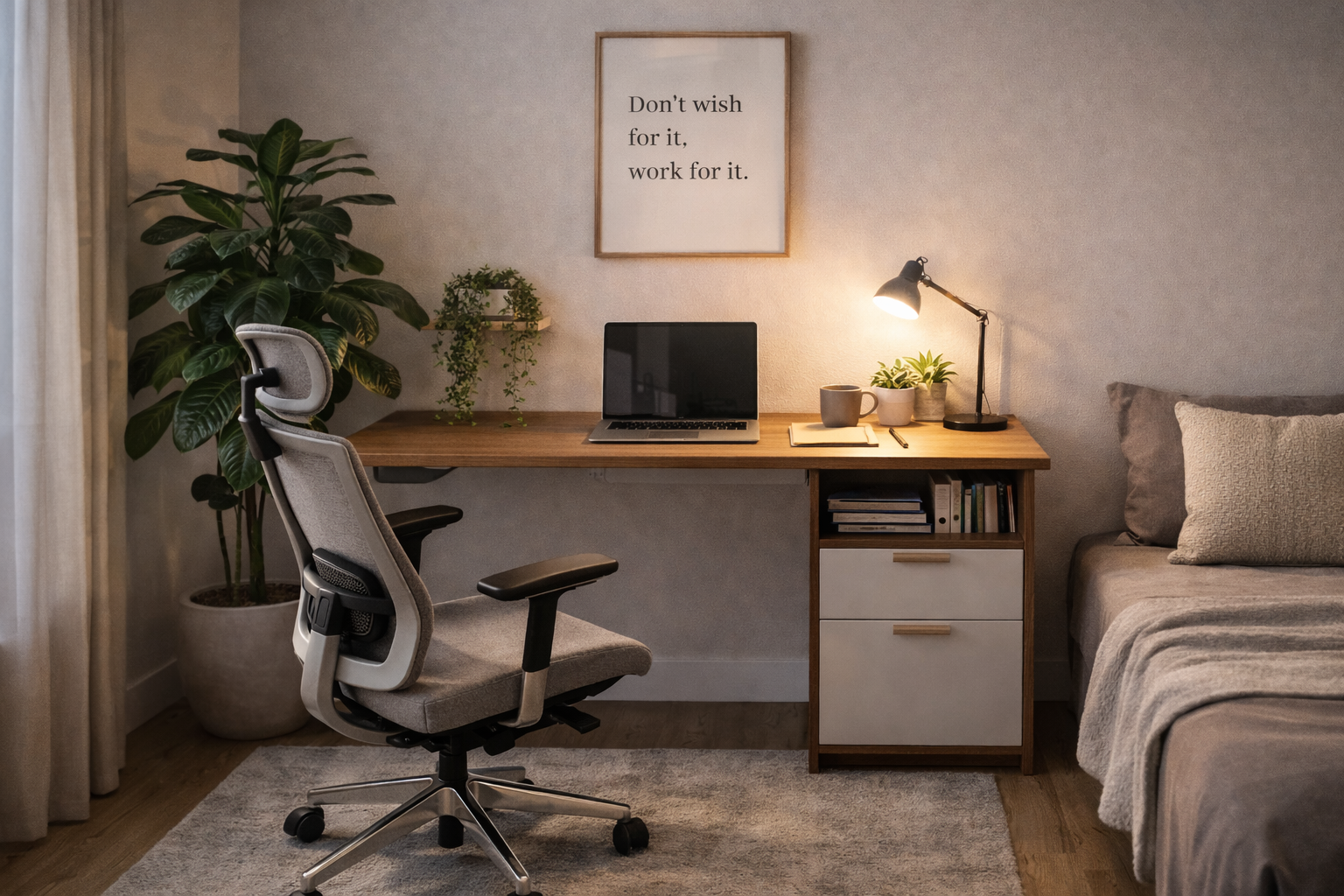
Your workspace should inspire you.
Adding personal element can boost creativity and mood.
Plants improve an air quality and create calming atmosphere. Even a small indoor plant can make big difference.
Balance is key - personalize without overcrowding.
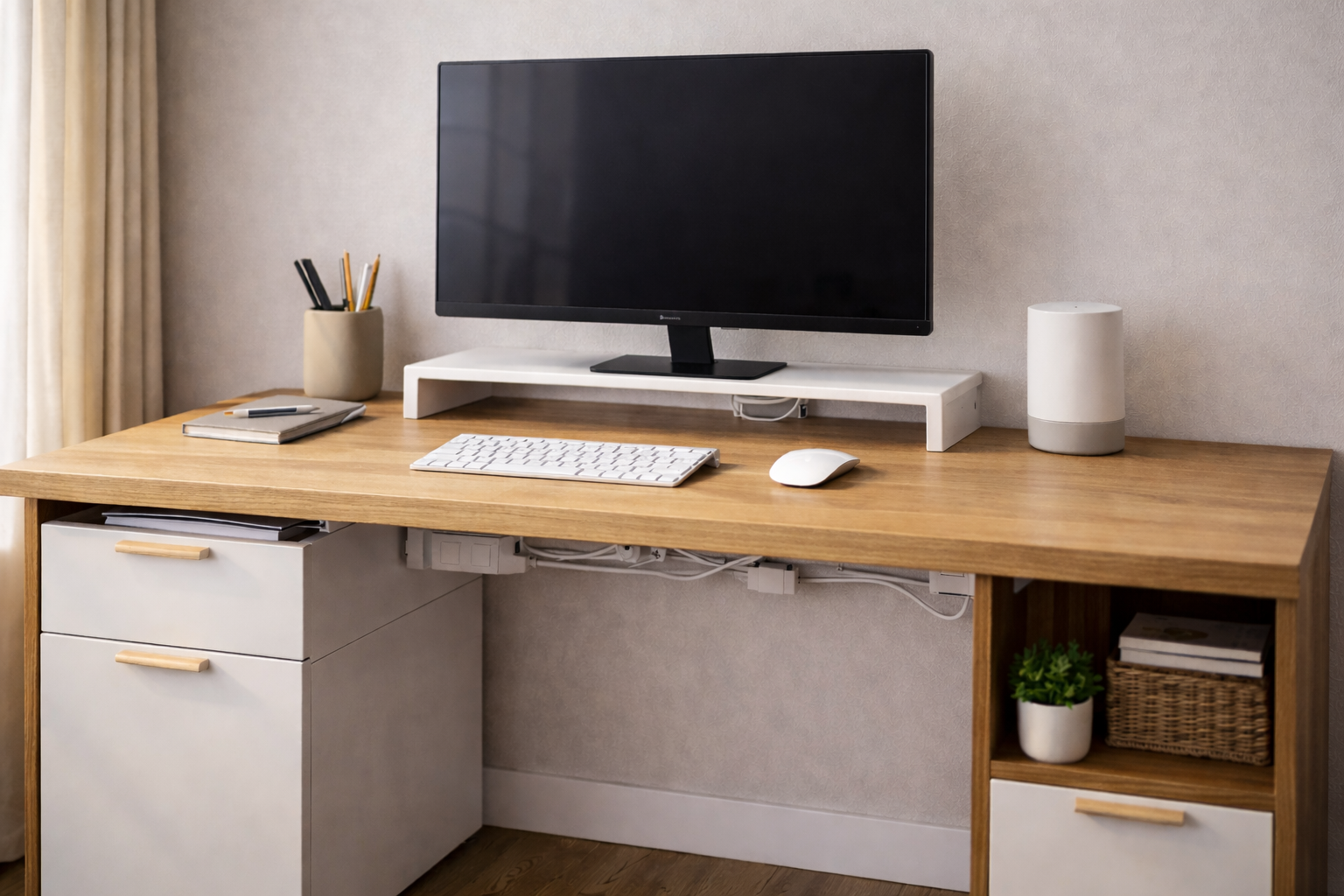
Messy wires reduce the aesthetic appeal of your office and create distractions.
A clean tech setup looks professional and improve workflow efficiency.
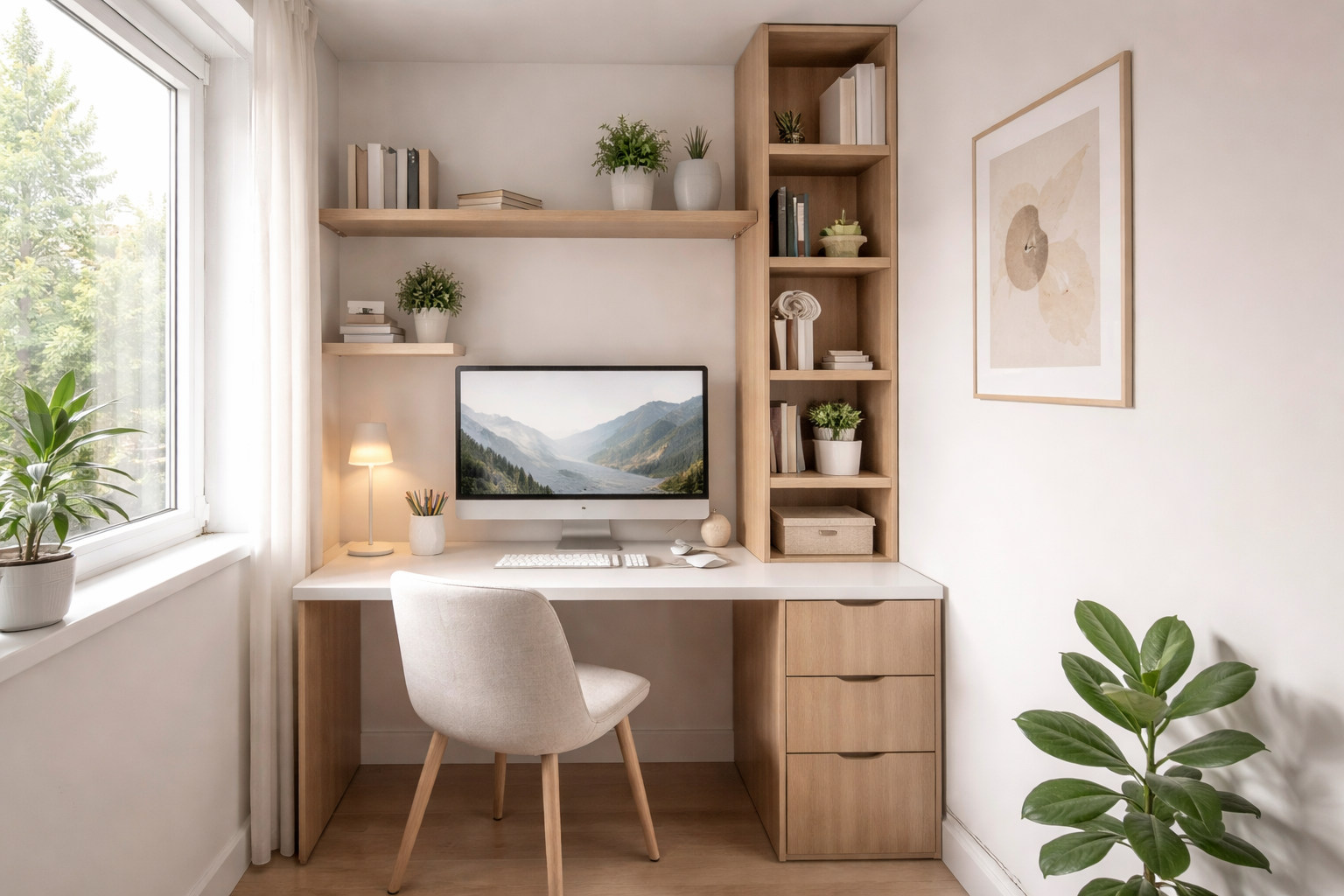
Not everyone has separate room for a home office - and that’s okay.
Light colors and mirrors can make small workspaces appear bigger. Keep furniture sleek and minimal for an uncluttered look.
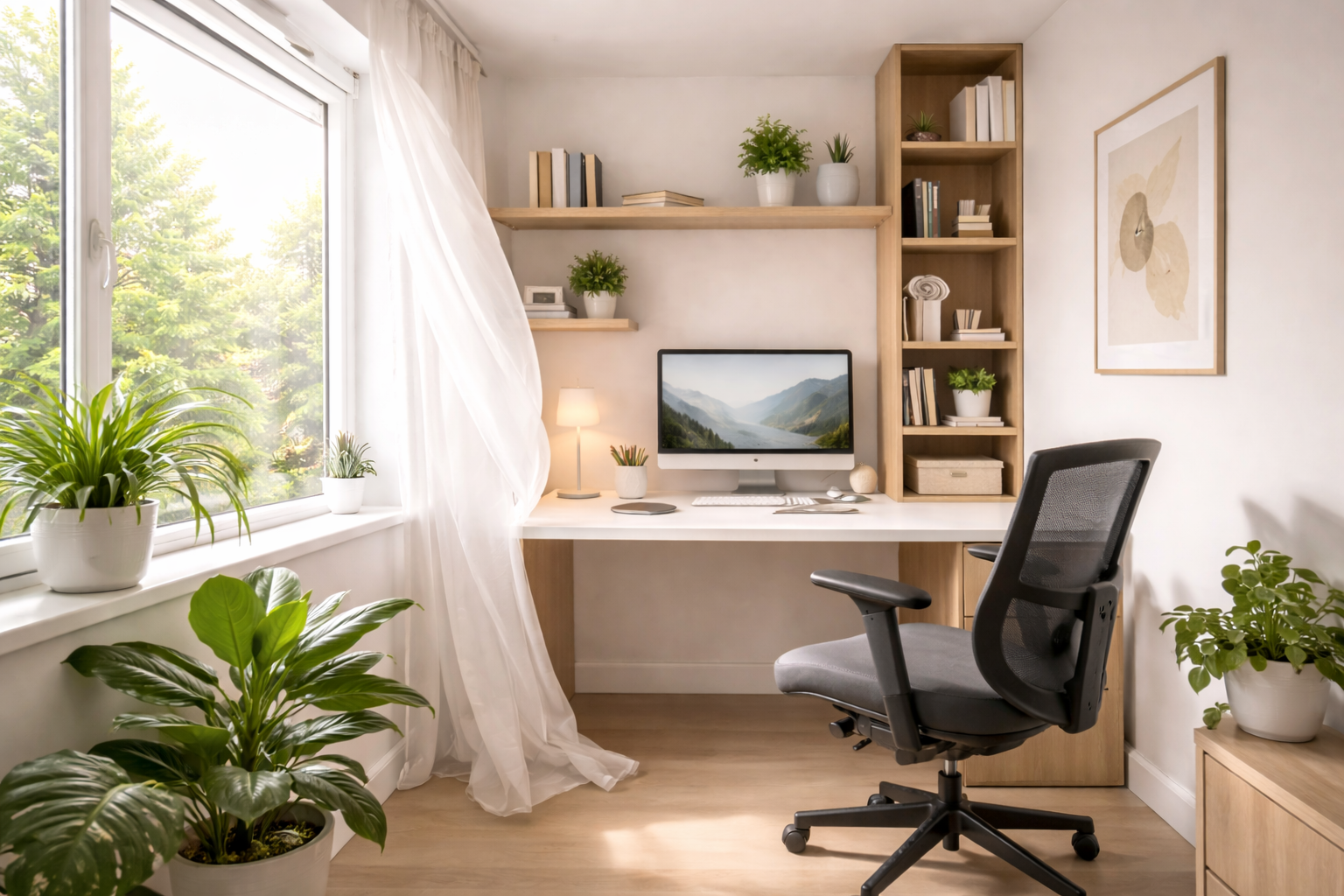
Fresh air enhances concentration and prevents fatigue.
Ensure:
A stuffy environment can make you feel sluggish and reduce productivity.
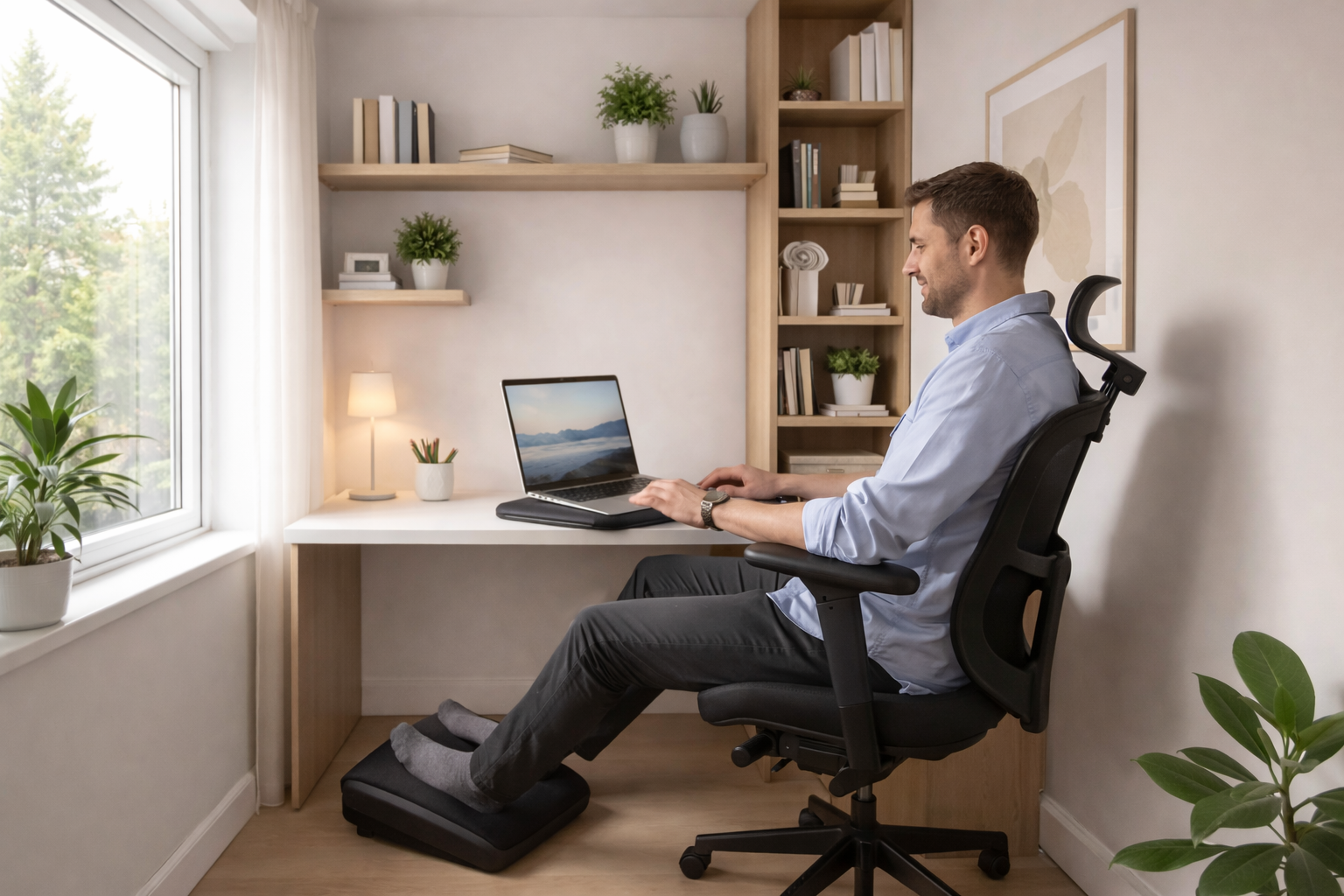
Comfort directly affects performance.
Consider:
Small ergonomic additions can prevent long term health issues and improve daily comfort.
A productive home office support efficiency.
Keep these essentials handy:
An organized workflow reduces time wasted searching for items.
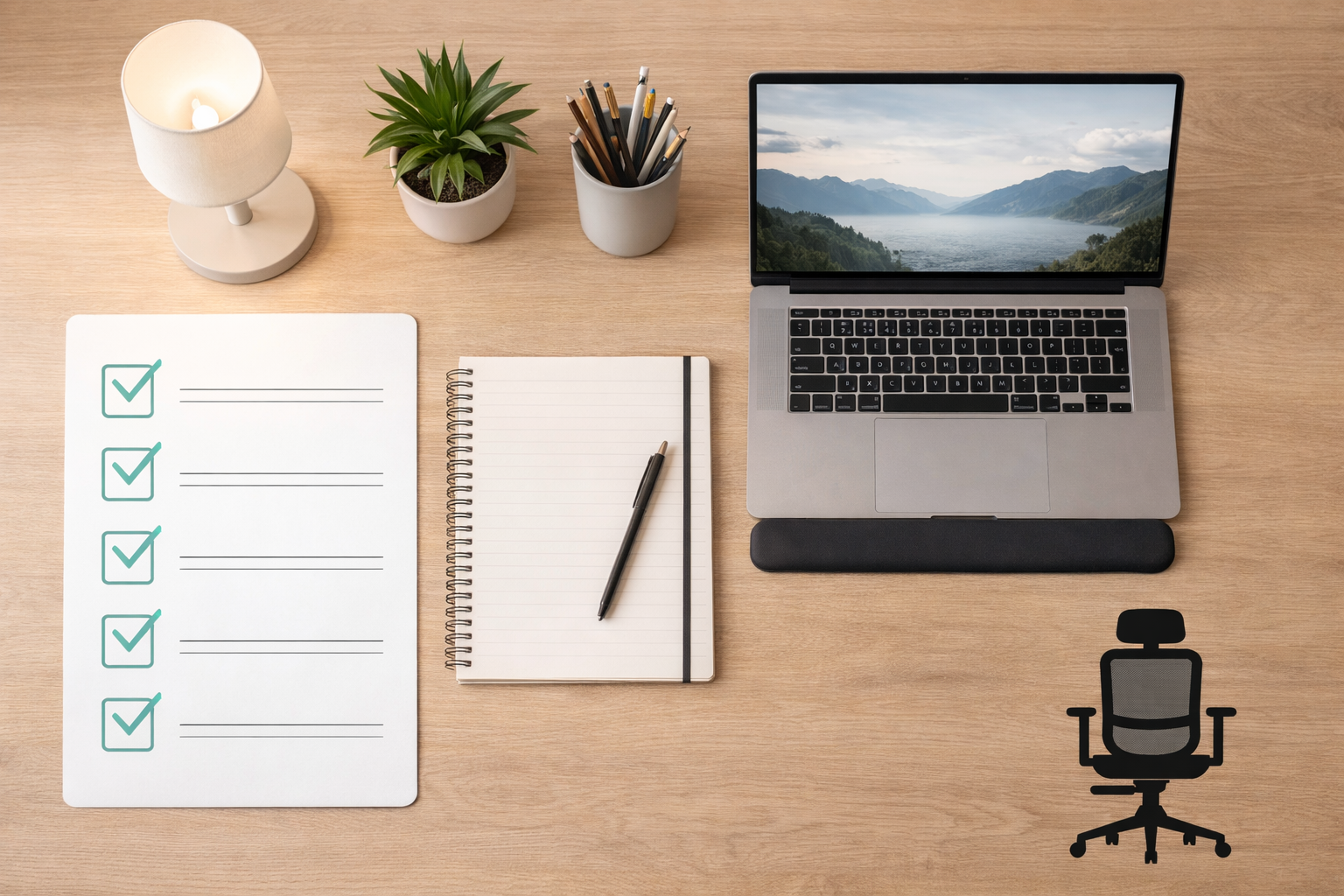
For quick reference, here’s what your ideal home office should include:
✔ Ergonomic desk and chair
✔ Proper lighting
✔ Organized storage
✔ Clutter-free desk
✔ Dedicated workspace
✔ Personal motivation elements
✔ Cable management
✔ Good ventilation
A thoughtfully designed home office setup is more than just furniture - it’s a productivity investment. When your workspace supports comfort, organization, and inspiration, you naturally perform better.
Whether you have a spacious room or just a small corner, smart planning and the right furniture choices can transform your work-from-home experience.
Start small, upgrade gradually, and build a workspace that helps you thrive every day.
We will be back with the next blog soon, till then, stay tuned!
Image Source: Pinterest, Google, and Wooden Street
A An ideal home office setup includes an ergonomic desk and chair, proper lighting, organized storage, and a clutter-free workspace. Position your monitor at eye level and ensure good ventilation to maintain focus and comfort during long working hours.
A Use a wall-mounted or corner desk, vertical shelves, and multi-functional furniture to maximize space. Keep the layout minimal and choose light-colored furniture to make the area feel open and less cramped.
A An ergonomic chair with adjustable height, lumbar support, and armrests is best. It helps maintain proper posture, reduces back pain, and improves comfort during extended work sessions.
A Lighting is crucial for reducing eye strain and maintaining productivity. Natural light is ideal, complemented by a task lamp with warm white light to improve focus and reduce glare.
A Add ergonomic accessories like a footrest, wrist support, and anti-fatigue mat. Maintain good airflow, use comfortable seating, and personalize your space with plants or décor to create a motivating environment.
Articles you will love to read
Explore easy Vastu for office tips to improve your workspace and bring more prosperity and abundance. Learn how to boost productivity, enhance focus, and create a positive and harmonious work environment with simple Vastu guidelines.
Continue Reading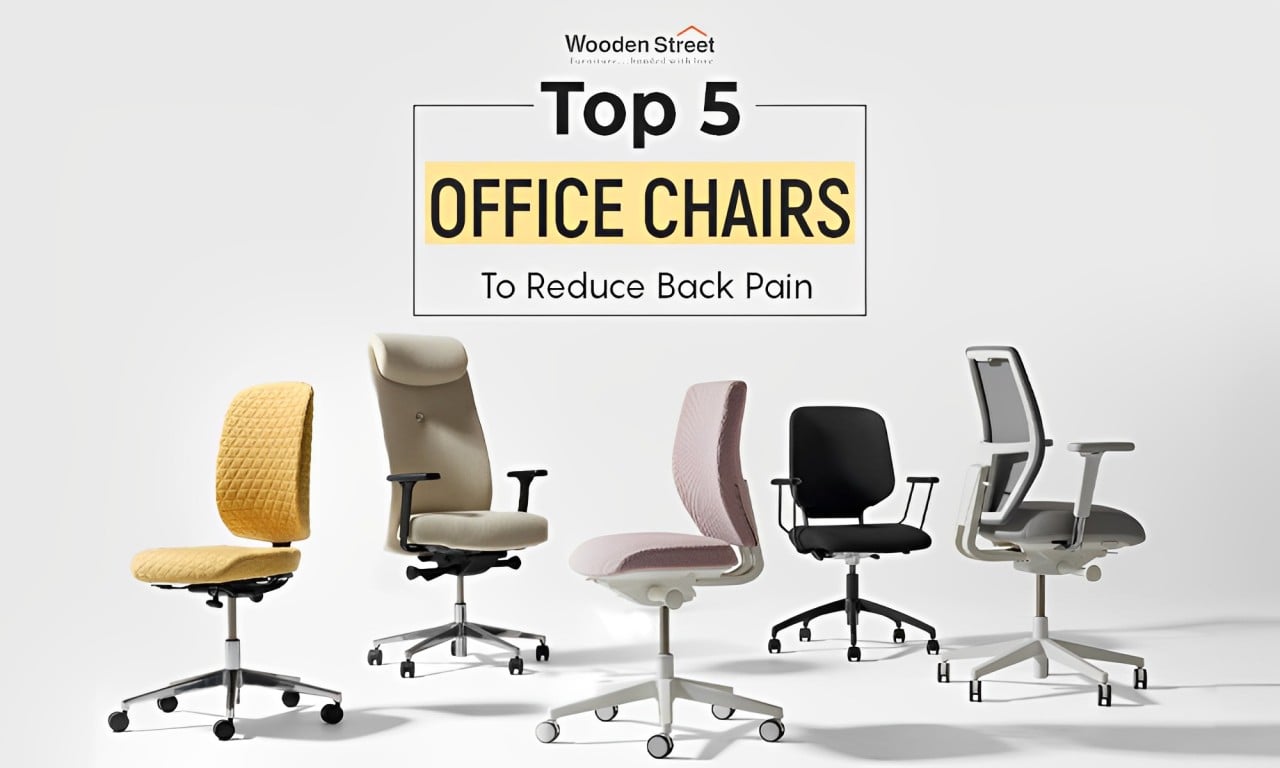
Find the perfect office chair for back pain relief. Improve your comfort and productivity with our expert picks!
Continue Reading
Welcome 2026 with style! Discover creative and affordable New Year decoration ideas to transform your home, office, or party space into a festive wonderland. From DIY crafts to modern lighting trends, these décor tips will help you ring in the New Year with warmth, sparkle, and joy.
Continue Reading
Hours of sitting causing sciatica pain? Here’s your complete guide to the best office chairs with lumbar support, cushioning, and posture-friendly designs for true comfort.
Continue Reading
Looking for smart small office interior ideas? Explore practical, space-saving designs that work well for home offices and compact workspaces.
Continue Reading